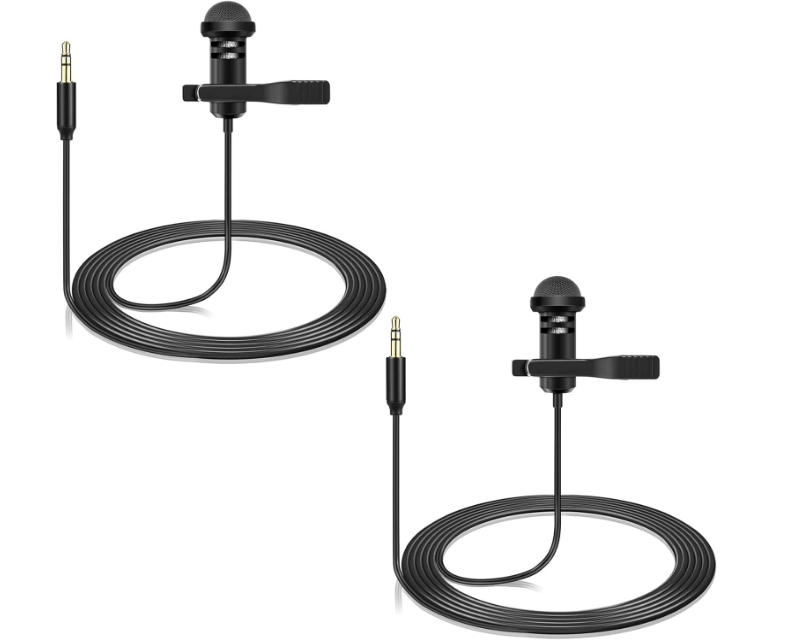
Line In and Mic In are two common audio input ports on devices like computers, mixers, amplifiers, and recording equipment, each designed for specific signal types. While both accept audio, their technical specifications and use cases differ significantly.
1. Line In: For High-Level Signals
- Definition: Line In (short for “line level input”) is a port designed to accept line-level signals—standardized, high-amplitude audio signals generated by devices like CD players, smartphones, synthesizers, or external audio interfaces.
- Signal Level: Line-level signals typically range from -10 dBV (consumer equipment, e.g., home stereos) to +4 dBu (professional gear, e.g., mixers). This is much stronger than microphone signals (see below).
- Impedance: Usually around 10 kΩ (kilohms), optimized to match line-level output devices.
- Use Cases:
- Connecting a smartphone to a speaker system to play music.
- Recording audio from a CD player or synthesizer into a computer.
- Routing sound from a TV to an external amplifier.
- Key Trait: Requires no additional amplification—line-level signals are strong enough to be processed directly by most audio equipment.
2. Mic In: For Low-Level Signals
- Definition: Mic In (short for “microphone input”) is a port designed for microphone-level signals—weak, low-amplitude signals produced by microphones (dynamic, condenser, or ribbon mics).
- Signal Level: Microphone signals are extremely weak, typically around -60 dBV to -40 dBV (1,000–10,000 times weaker than line-level signals).
- Built-in Preamp: Mic In ports include a preamplifier (preamp) to boost the weak mic signal to line level, making it usable for processing or recording.
- Impedance: Lower impedance (usually 600 Ω to 2.4 kΩ) to match microphones, ensuring efficient signal transfer.
- Phantom Power: Some Mic In ports (especially on mixers or audio interfaces) provide phantom power (+48V) to power condenser microphones, which require electricity to operate.
- Use Cases:
- Connecting a vocal microphone to a computer for podcasting or video calls.
- Recording instruments (e.g., acoustic guitar) with a microphone.
- Capturing speech or ambient sound via a mic for live events or broadcasting.
3. Key Differences at a Glance
| Feature | Line In | Mic In |
|---|---|---|
| Signal Strength | High (line level: -10 dBV / +4 dBu) | Low (mic level: -60 to -40 dBV) |
| Preamp Required? | No (signal is already amplified) | Yes (built into the port) |
| Typical Devices | CD players, smartphones, synthesizers | Microphones (dynamic, condenser, etc.) |
| Impedance | ~10 kΩ | ~600 Ω – 2.4 kΩ |
| Phantom Power | Not available | Often available (+48V for condenser mics) |
4. What Happens If You Mix Them Up?
- Plugging a Mic into Line In:
The weak mic signal will be too quiet, as Line In lacks a preamp. The result is a faint, noisy audio output, even at maximum volume. - Plugging a Line-Level Device into Mic In:
The strong line signal will overload the Mic In’s preamp, causing clipping—distorted, harsh audio with clipped peaks (due to the signal exceeding the port’s capacity).
5. Practical Tips for Usage
- Choosing the Right Port:
- Use Line In for devices with “Line Out” ports (e.g., a phone’s headphone jack, a keyboard’s audio output).
- Use Mic In exclusively for microphones.
- Adapters and Converters:
- To connect a mic to Line In, use a standalone mic preamp to boost the signal to line level.
- To connect a line-level device to Mic In safely, use an attenuator (a device that reduces signal strength) to prevent clipping.
- Computer Ports:
On PCs and laptops, Line In and Mic In are often color-coded:- Mic In: Typically pink.
- Line In: Often blue or green (check device documentation, as colors can vary).
6. Common Misconceptions
- “Line In and Mic In are interchangeable”: False. Their signal levels and preamp requirements make them incompatible for most uses.
- “Line In is only for music, Mic In is only for vocals”: While Mic In is primarily for mics, Line In can accept any line-level audio (e.g., guitar amps, DJ mixers), not just music players.
Conclusion
Line In and Mic In serve distinct purposes: Line In handles strong, pre-amplified signals from consumer/professional devices, while Mic In is designed to boost weak microphone signals. Understanding their differences ensures optimal audio quality—avoiding distortion, noise, or weak output in recording, playback, or live sound setups. Always match the input port to the device’s signal type for the best results.rmance computing, bridging the gap between systems and peripherals with improved speed and versatility compared to its predecessor (SCSI-1). Though replaced by newer interfaces like SATA and USB in mainstream use, it remains relevant in legacy industrial and retro computing setups.





















Leave a Reply