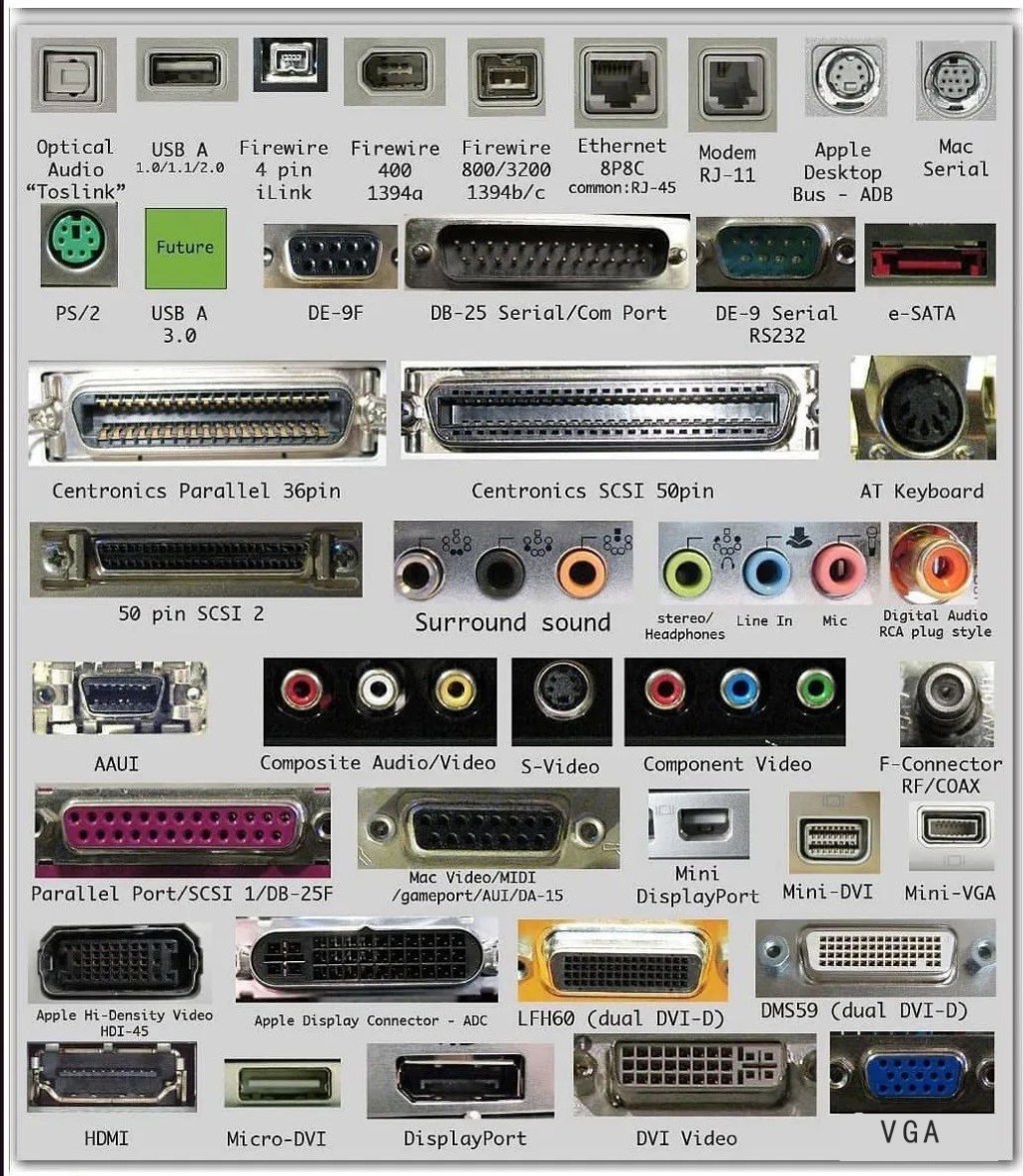
1. USB 1.0 (1996 Release)
- Data Transfer Rate
- Low-Speed (LS): 1.5 Mbps (187.5 KB/s), primarily for basic input devices like mice and keyboards.
- Full-Speed (FS): 12 Mbps (1.5 MB/s), suitable for simple peripherals like printers and early webcams.
- Connector Types
- Standard-A and Standard-B connectors, with four pins (Vcc, Data-, Data+, GND).
- Power Supply
- Provides 5V DC at up to 100mA per port, limiting power for low-consumption devices.
- Key Limitations
- Slow speeds incompatible with large file transfers or high-bandwidth devices (e.g., external hard drives).
- No native support for hot-plugging in early implementations, requiring system resets for device detection.
2. USB 1.1 (1998 Update)
- Technical Improvements
- Clarified specifications of USB 1.0, resolving compatibility issues between different manufacturers.
- Maintained the same speed standards (1.5 Mbps/12 Mbps) but improved protocol efficiency.
- Enhanced Features
- Better power management for devices, allowing “sleep” and “wake” modes to conserve energy.
- Standardized device enumeration (the process of identifying and configuring connected devices).
- Practical Use Cases
- Remained dominant in low-cost peripherals until USB 2.0 adoption, especially in budget computers and office equipment.
3. USB 2.0 (2000 Release, Also Called Hi-Speed USB)
- Data Transfer Rate
- Introduced High-Speed (HS) mode at 480 Mbps (60 MB/s), 40x faster than USB 1.1 Full-Speed.
- Backward-compatible with 12 Mbps/1.5 Mbps devices via auto-negotiation.
- Architectural Upgrades
- Added a new signal encoding scheme (NRZI with bit-stuffing) to maintain signal integrity at higher speeds.
- Implemented “isochronous transfer” for real-time data (e.g., audio, video), reducing latency.
- Power Delivery Enhancements
- Increased maximum power output to 500mA (2.5W) per port, supporting powered peripherals like external hard drives and CD/DVD drives.
- Key Applications
- Enabled widespread use of high-bandwidth devices:
- External storage (USB flash drives, HDD/SSD enclosures).
- High-definition webcams, digital cameras, and audio interfaces.
- USB hubs with multiple ports for expanded connectivity.
- Enabled widespread use of high-bandwidth devices:
- Physical Design
- Retained Standard-A/B connectors but introduced Mini-USB and Micro-USB for portable devices (e.g., early smartphones, MP3 players).
4. Core Differences Between Generations
- Speed Hierarchy
- USB 1.0/1.1: Limited to 12 Mbps for most practical uses, suitable only for low-bandwidth tasks.
- USB 2.0: 480 Mbps enabled the first wave of “mass storage” devices and multimedia peripherals.
- Power Capability
- USB 2.0’s 500mA power output was revolutionary for self-powered accessories, reducing the need for external power adapters.
- Protocol Complexity
- USB 2.0 introduced more sophisticated error-checking and flow control mechanisms to maintain reliability at higher speeds.
5. Legacy and Modern Relevance
- USB 1.0/1.1
- Now obsolete in mainstream computing but still found in niche applications (e.g., legacy industrial equipment, low-cost keyboards/mice).
- USB 2.0
- Remains prevalent in budget devices and older hardware, though gradually replaced by USB 3.0/3.1 in new products.
- Common in automotive infotainment systems, printers, and some consumer electronics due to its balance of cost and performance.
Summary
USB 1.0/1.1 laid the groundwork for universal connectivity but suffered from speed limitations, while USB 2.0 transformed the technology by enabling high-speed data transfer and broader device compatibility. Though superseded by faster standards, USB 2.0’s legacy persists in millions of devices, highlighting its role as a pivotal milestone in USB evolution.





















Leave a comment